Creating a player
Important
Only club administrators can create players.
Creating a player adds a new profile to the club list. It stores the name, club association, future ratings and statistics. Creating a profile does not register the player for a tournament; add them to registration separately.
When to create a new player
First search for the player by name in the registration field. Create a profile only if none matches.
Tip
If a player has already participated in club tournaments, choose their existing profile. A duplicate profile will have separate statistics and ratings.
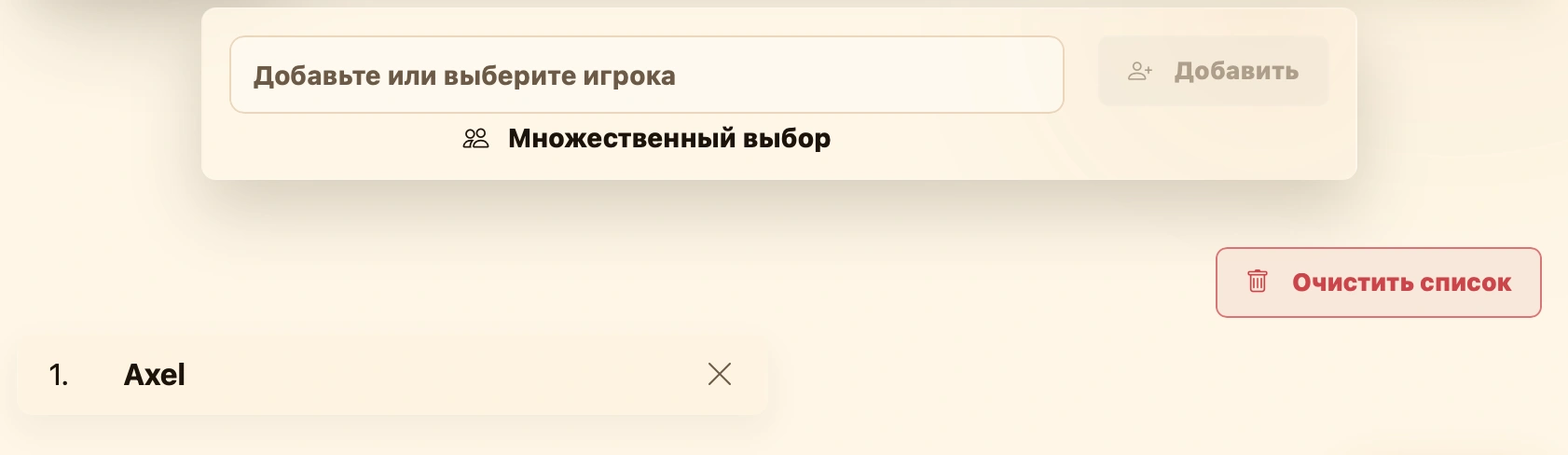
Create a profile directly from the search field during registration: either at step three of tournament creation or in Add players on an existing tournament’s page.
How to create a player
- Open the player search field and enter their name.
- Check the results. If no profile matches, choose one of the two creation options at the bottom.
- Use Quick create to create a profile with just the entered name, or Create new to open the full player form. The entered name is filled in for you; complete the other details and click Save. See Editing a player for the field descriptions. In either case, the created player is automatically selected in the registration field.
- Click Add to register the player for the tournament. See Registering participants for the full process.
Ratings, game counts and other statistics develop as the player takes part in tournaments.
What happens next
You can find and select the profile in future registrations at this club. If the player joins rated tournaments, their rating is calculated and updated according to tournament settings. See Ratings.
For the distinction between a player profile and a tournament participant, see Players and teams.