Editing a game
Important
Only club administrators can edit games.
Edit a manually or automatically created pairing to change its participants, table number, round number or team match lineup.
Where to find it
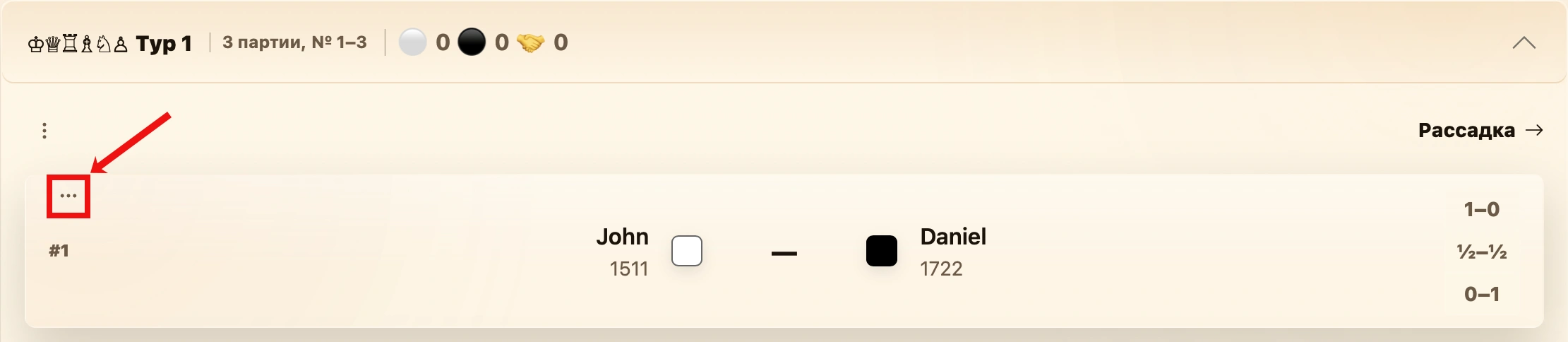
Open the menu on the game or match card and select Edit.
Edit dialog
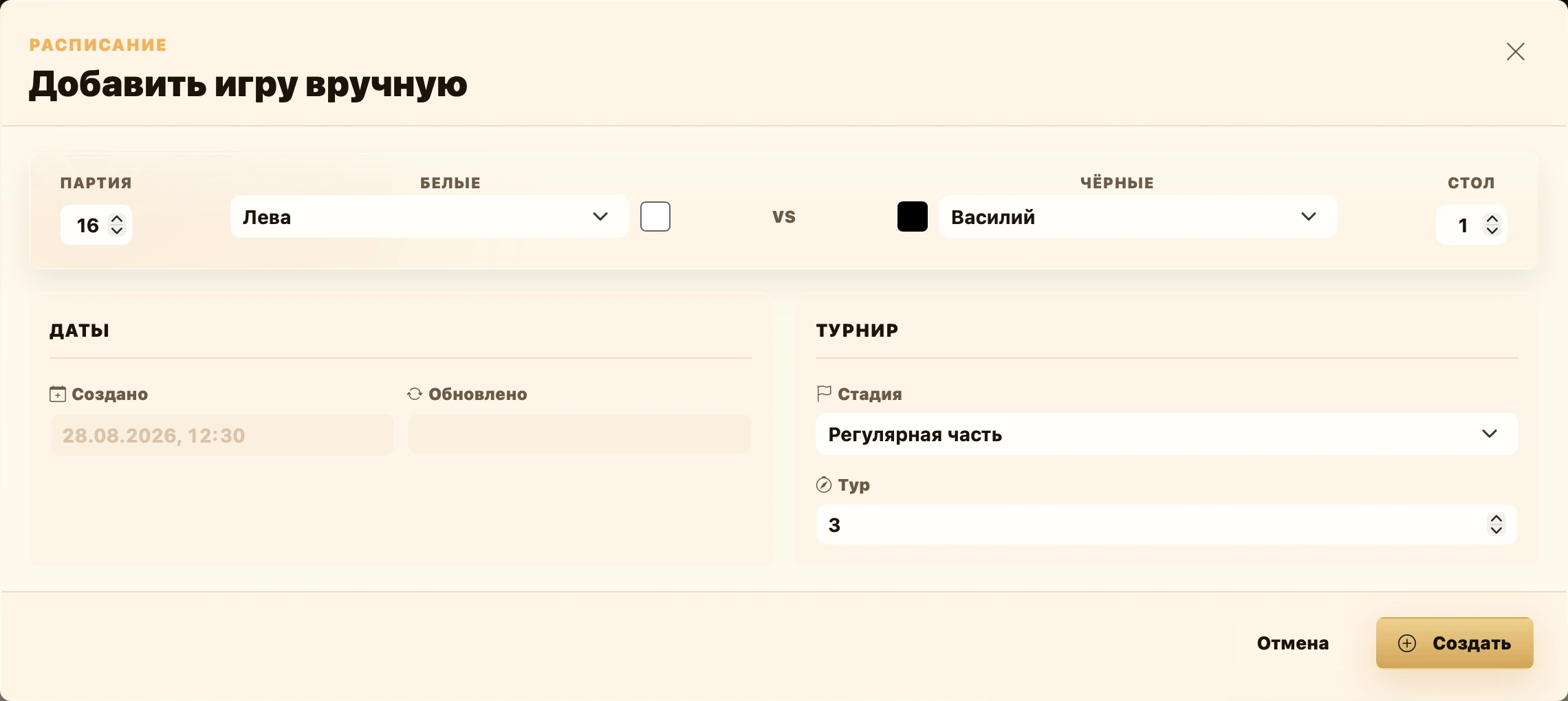
The same form used for manual creation opens, prefilled with the selected game’s data. The button at the bottom says Save instead of Create.
Individual game
For an individual game, you can change:
- the game number;
- the table number;
- the players with White and Black;
- the round number.
Team match
For a team match, you can also adjust teams, board lineups and player colors. Available fields depend on the format and chess variant.
For detailed fields and the differences between individual games, fixed and random teams, board matches, Doubles 2x2 and Hand and Brain, see Adding games manually.
Saving changes
After editing, click Save at the bottom. Cancel closes the dialog without changes. Saved data immediately appears on the card and is used in pairings and standings.
To change only the result, use 1–0, ½–½ or 0–1 directly on the card. See Game termination for termination reasons.